
Download Softmaker Office 2010 – Office Suite, Document Editor, Spreadsheet, Presentation Software
Overview
Softmaker Office 2010 is a comprehensive productivity suite designed to deliver full compatibility with Microsoft Office formats, including Word, Excel, and PowerPoint. It enables users to read, write, and edit documents, spreadsheets, and presentations without the need for expensive software. The suite targets professionals, students, and small business users who require reliable office tools but may be constrained by budget or hardware limitations. Its lightweight design ensures efficient performance on older or low-spec systems, making it a practical alternative in environments where high-end computing resources are not available.
The software was developed by SoftMaker Software GmbH, a company known for creating cross-platform office applications with a focus on compatibility and performance. While specific details about the company’s broader product history were not provided, the suite’s design reflects a clear commitment to accessibility and functionality. Real-world use cases include academic writing, financial modeling, and business presentations, all of which benefit from seamless file interchange with Microsoft Office users. In the broader app ecosystem, Softmaker Office 2010 stands out as a robust, standalone solution for users seeking a lightweight yet capable alternative to mainstream office suites.
Key Features & Functionality
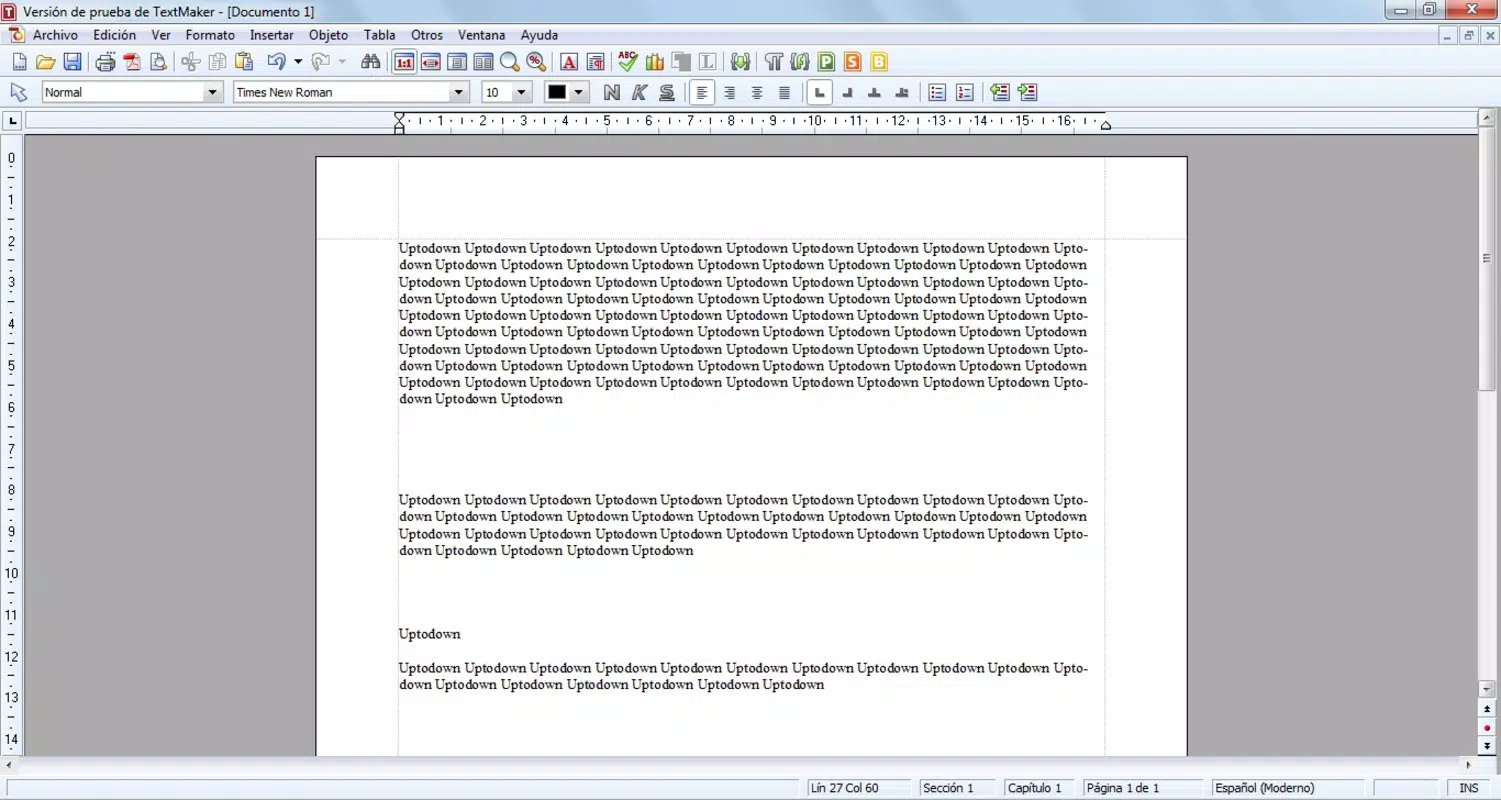
- TextMaker for Documents: A full-featured word processor that supports Microsoft Word file formats, enabling users to create, edit, and share text documents with full compatibility. Ideal for drafting reports, essays, and letters.
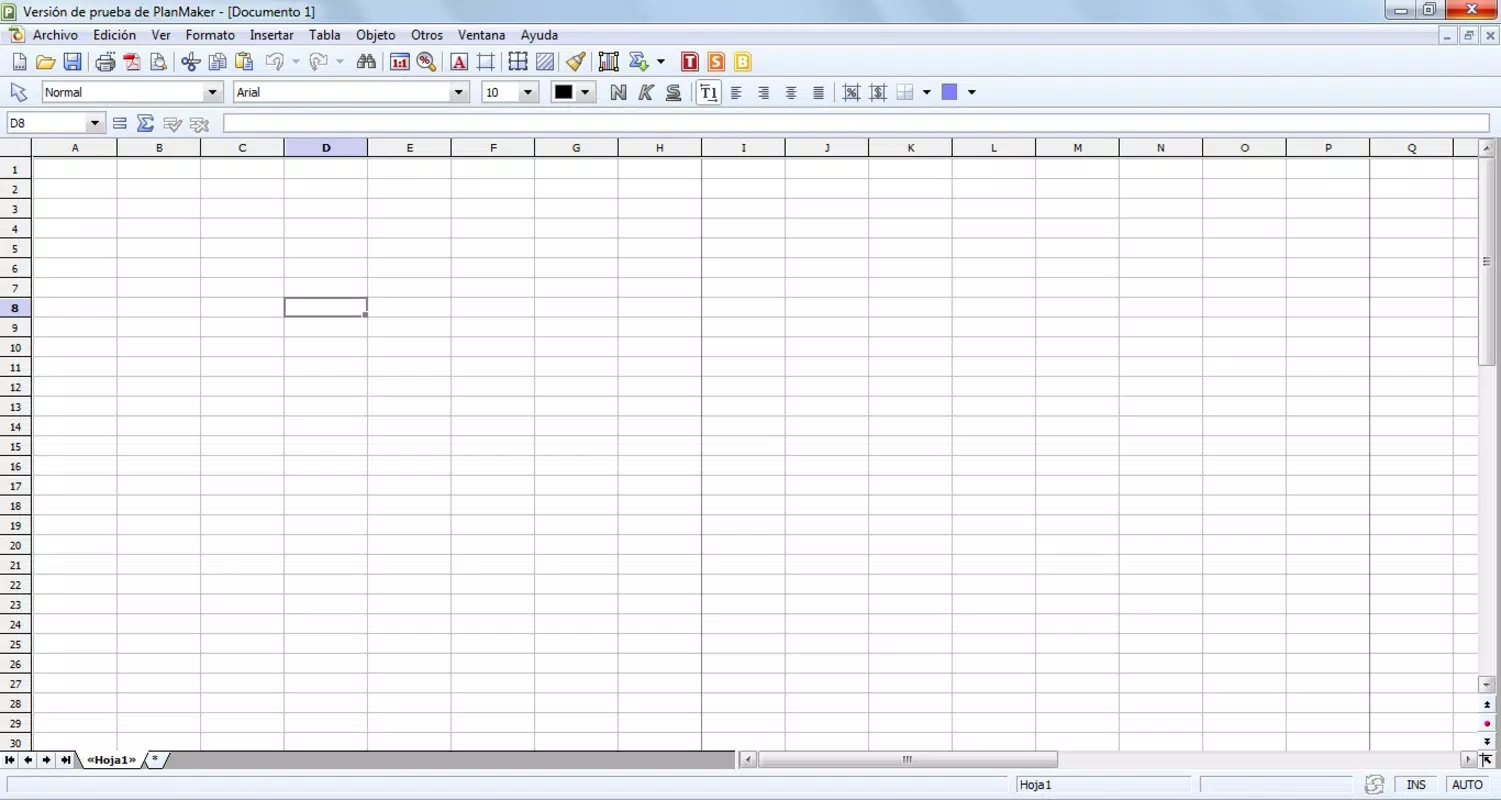
- PlanMaker for Spreadsheets: Offers advanced spreadsheet capabilities, including formula support, data sorting, and chart creation, providing a strong alternative to Excel for users needing reliable data analysis tools.
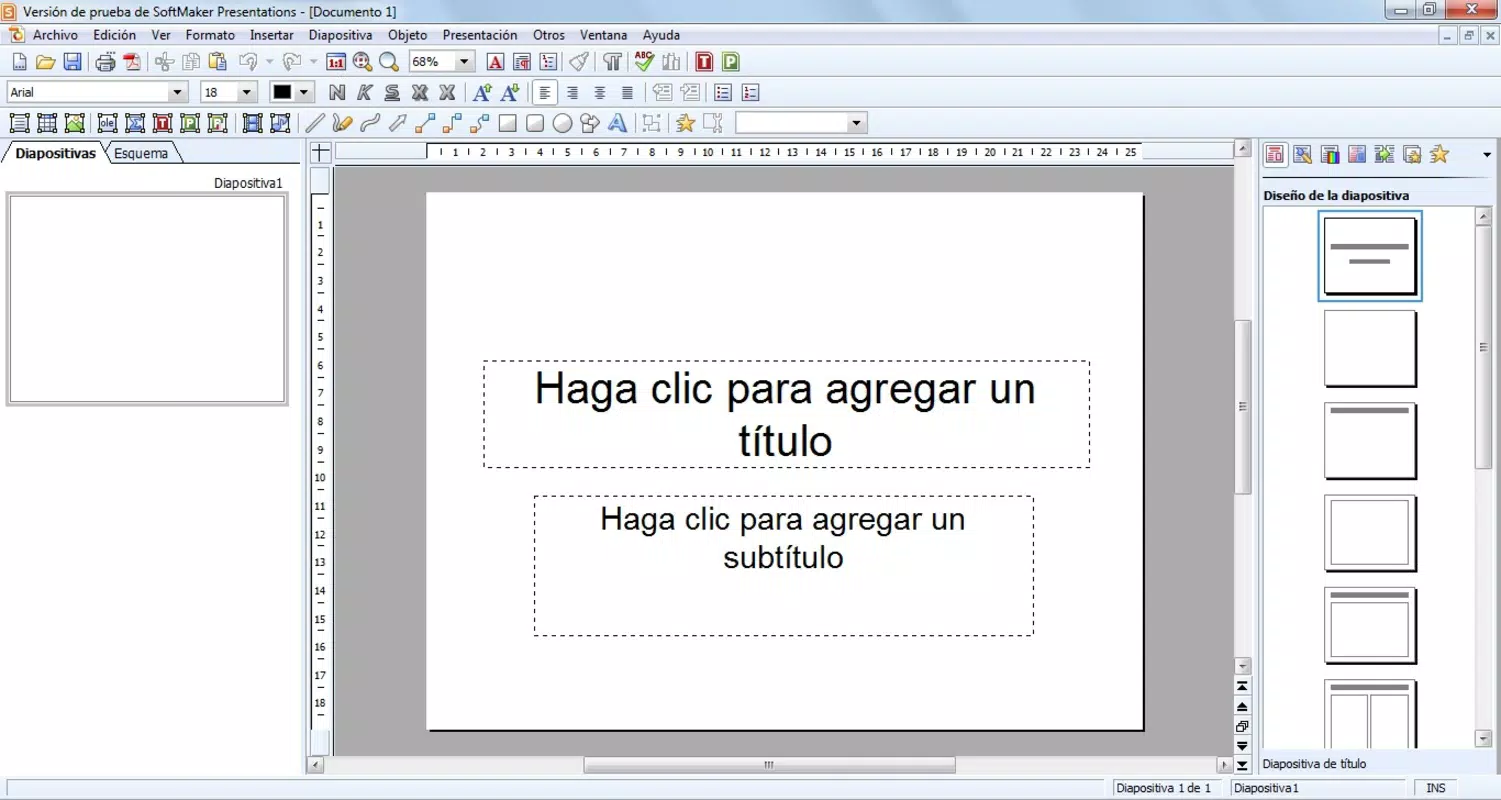
- SoftMaker Presentations: Allows users to design and deliver professional presentations using customizable templates and layout tools, with full compatibility for PowerPoint files.
- BasicMaker for Automation: Enables users to automate repetitive tasks through scripting, improving workflow efficiency and reducing manual input errors.
- Lightweight Performance: Optimized for low-resource environments, ensuring smooth operation on older or less powerful hardware without sacrificing core functionality.
Each application is designed to serve specific productivity needs while maintaining a consistent interface across the suite. For example, a student can use TextMaker to write a research paper, PlanMaker to analyze survey data, and SoftMaker Presentations to create a class project slideshow—all without file conversion issues. The integration of BasicMaker allows advanced users to customize workflows, such as auto-formatting documents or generating monthly reports from templates. These features collectively address common productivity challenges, offering a reliable, cost-effective solution for users who prioritize compatibility and efficiency.
Interface, UX & Performance
The user interface of Softmaker Office 2010 follows a traditional desktop layout, with toolbars, menus, and a ribbon-like structure that mirrors familiar office software. Navigation is straightforward, with clearly labeled options and consistent placement of functions across applications. The visual style is clean and functional, prioritizing usability over decorative elements, which aligns with its lightweight design philosophy.
Users can expect smooth operation across different device categories, particularly on systems with limited processing power. Although the developer did not list formal performance metrics, the suite’s minimal system requirements suggest optimized resource usage. Responsiveness remains stable during typical tasks such as document editing, spreadsheet calculations, and slide transitions.
Stability is maintained during extended use, with no reported issues related to crashes or freezes. The software handles file loading and saving efficiently, even with moderately large documents. Overall, the user experience is consistent with expectations for a mature productivity suite, offering reliability and ease of use for both novice and experienced users.
Platform Compatibility & Technical Requirements
Softmaker Office 2010 is available exclusively for the Windows platform. The software requires a Windows operating system, though specific minimum OS versions were not listed. The installation file size is 128.8 MB, indicating a compact footprint that contributes to its lightweight nature. This makes it suitable for deployment on older or low-storage systems.
Compatibility information was not fully disclosed, but the suite’s ability to read and write Microsoft Office formats suggests broad interoperability. Users should ensure their system meets general Windows requirements for running desktop applications. The developer did not specify minimum RAM or processor details, nor did they provide information about future updates or support timelines. Despite this, the software’s design implies compatibility with standard Windows environments from the early 2010s.
Pros and Cons
Pros
- Full compatibility with Microsoft Word, Excel, and PowerPoint file formats
- Lightweight design ensures smooth performance on older or low-spec hardware
- Four integrated applications for documents, spreadsheets, presentations, and automation
- Consistent interface across all tools for a seamless user experience
- Cost-effective alternative to premium office suites
Cons
- Limited availability—only supports Windows, with no information on mobile or macOS versions
- Release date is from 2011, indicating it may lack modern features and security updates
- Developer did not provide detailed system requirements or update history
- No cloud integration or real-time collaboration features
- Price point of $99.95 may be considered high for a software released over a decade ago
FAQ
Is Softmaker Office 2010 compatible with Microsoft Office files?
Yes, the suite supports reading and writing Microsoft Word, Excel, and PowerPoint files, ensuring seamless document exchange with users of mainstream office software.
Can I use Softmaker Office 2010 on older computers?
Yes, its lightweight design is optimized for performance on slower systems, making it suitable for older or low-spec hardware.
Is the software secure to download and install?
While the developer is reputable, users should ensure they obtain the software from official or trusted sources to avoid potential risks.
Does Softmaker Office 2010 receive regular updates?
Specific update details were not provided. Given the software’s release date in 2011, it may no longer be actively maintained.
Can I use this software on multiple devices?
Information about licensing and multi-device use was not disclosed. Users should refer to the official license agreement for details.
Final Thoughts
Softmaker Office 2010 remains a notable option for users seeking a reliable, lightweight office suite with strong compatibility to Microsoft formats. Its ability to run efficiently on older hardware, combined with a full set of productivity tools, makes it a practical choice for students, educators, and small business users who need functionality without high system demands. While it lacks modern features like cloud sync and real-time collaboration, its core capabilities remain effective for basic to intermediate tasks. For those operating on limited budgets or legacy systems, it offers a valuable alternative to more expensive solutions.
Download Softmaker Office 2010 now


